
Guest website live
Discover Continuum before you arrive
The sea, stone, light and spaces of the residence shaped the website. We connected discovering the property, choosing an apartment, reaching the booking flow and getting help from an AI concierge. A separate spatial experience leads from the building’s axonometric view and apartment plans into panoramas. Behind the guest experience, custom tools help the team manage content, amenities, photographs and enquiries.
The challenge
Help guests picture their stay: choose an apartment, explore the property, plan their time and contact the team. For staff, bring website content, photography, amenities, enquiries and the knowledge base into a system they can maintain every day.
Team
Team designer — visual design. Andrey — architecture, Next.js, custom Strapi modules, integrations and AI concierge.
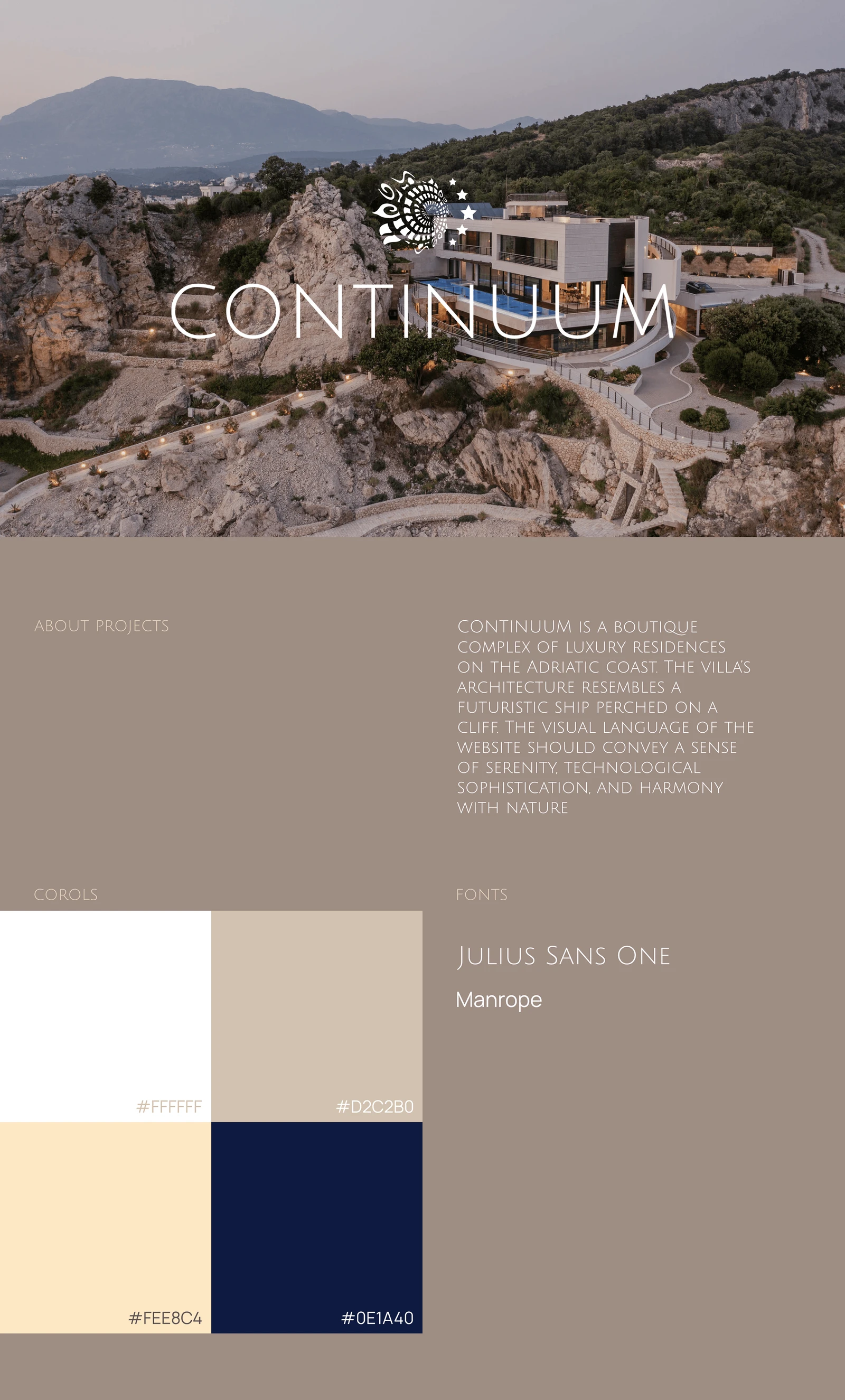
Visual direction: sea, stone and light
The property’s architecture shaped the website: open compositions, a light palette and delicate typography. A designer from our team created the visual direction; Andrey translated the Figma layouts into a responsive interface and developed it further with the team.
Colour palette
#FFFFFF#D2C2B0#FEE8C4#0E1A40Typography
Headlines
JULIUS SANS ONE
SEA. SPACE. SERENITY.
Body copy & interface
Manrope
A place to come back to.
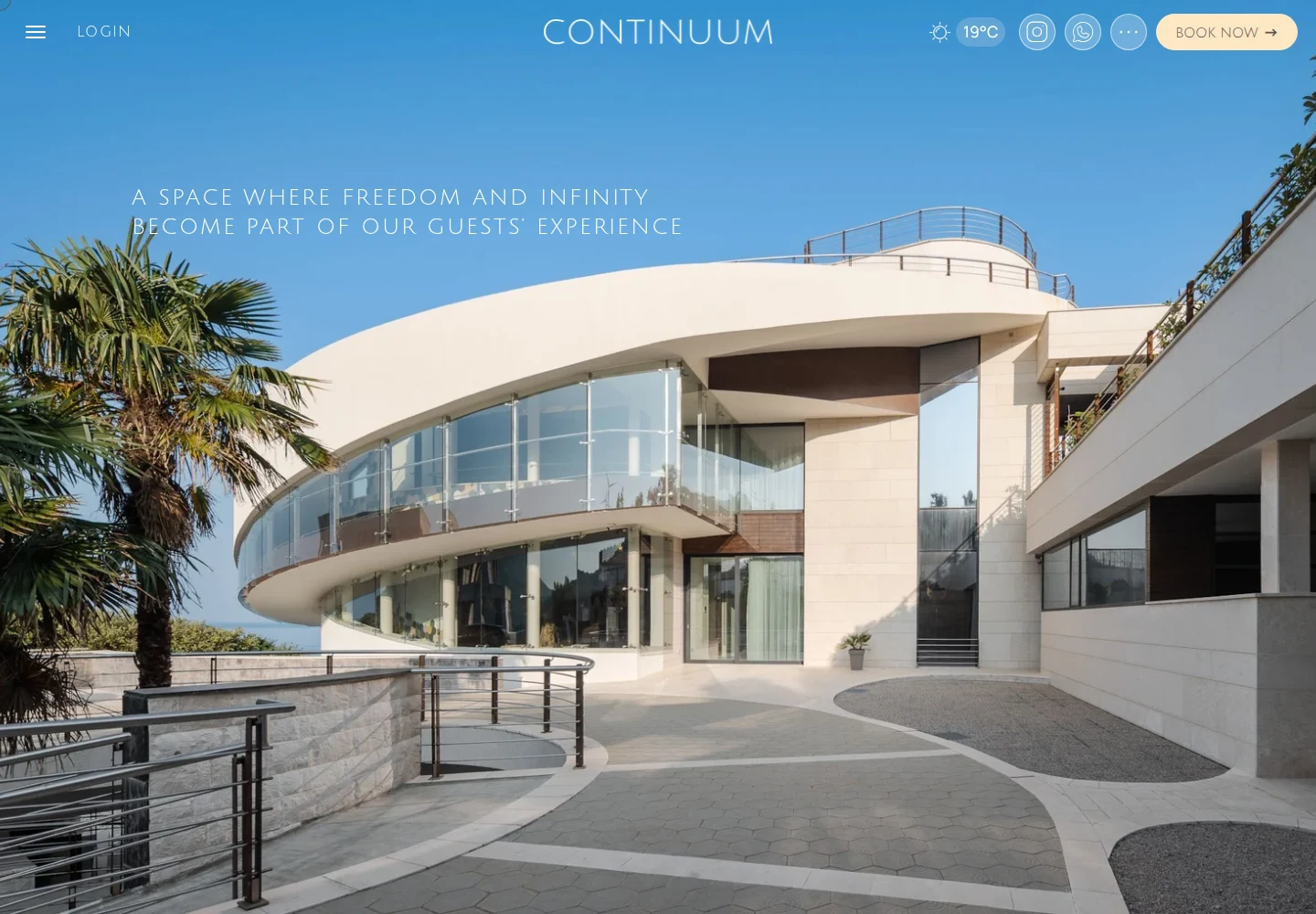
Get to know the place before arriving
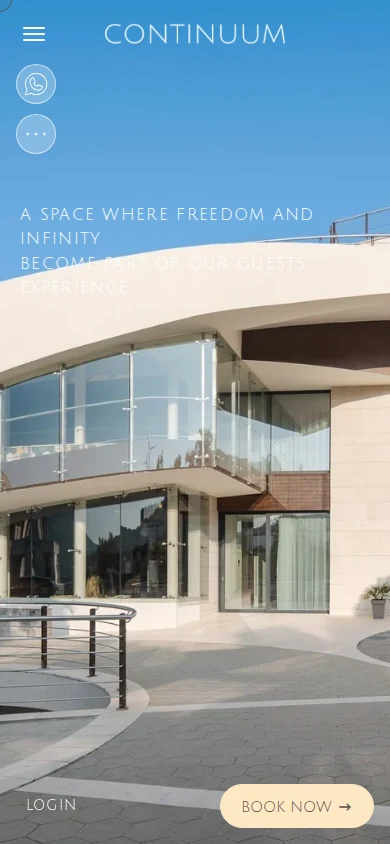
Large photographs introduce the residences and coastline. The menu leads to apartments, amenities and booking, while an API supplies current weather. Navigation and layouts adapt to the smaller phone screen.
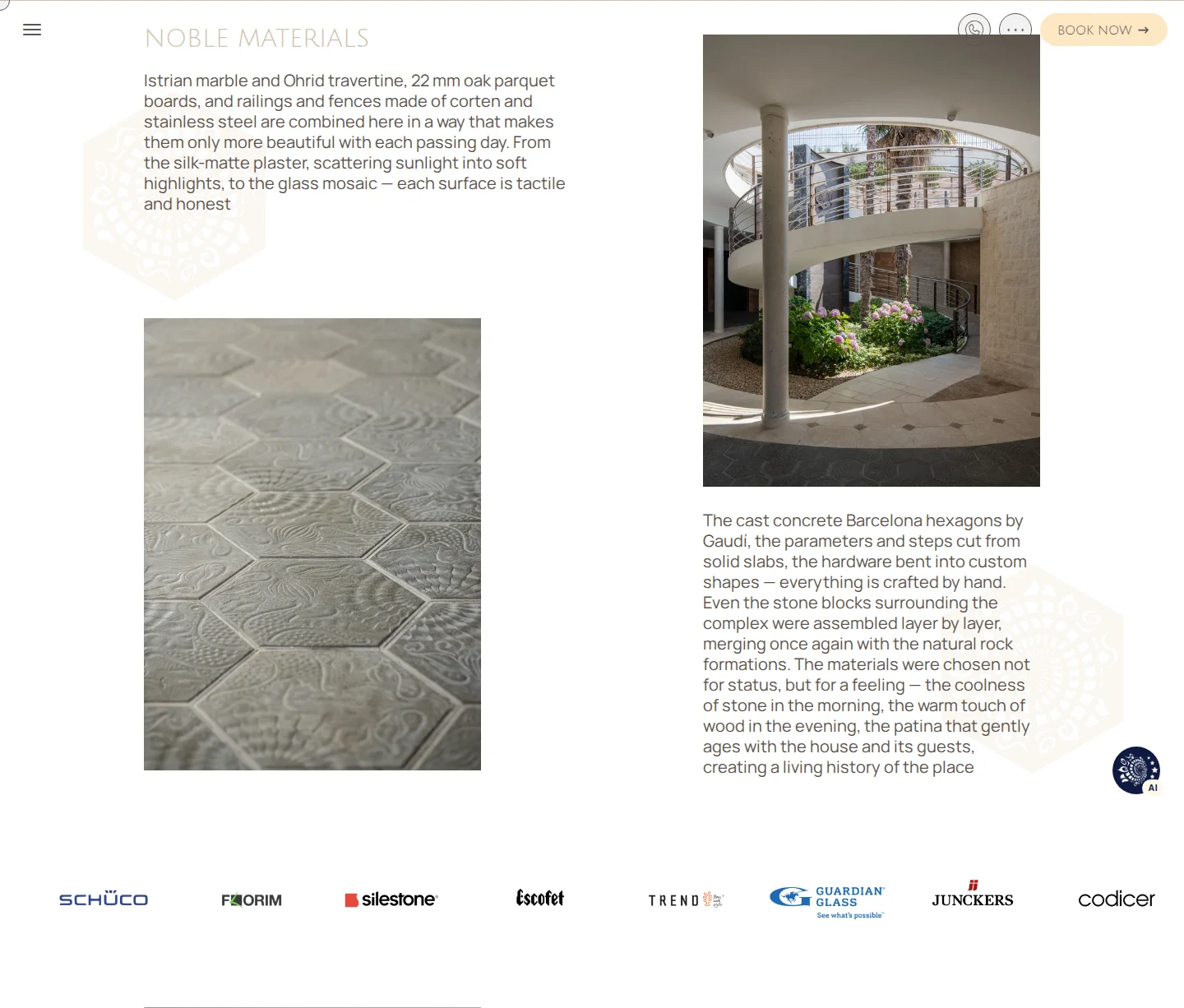
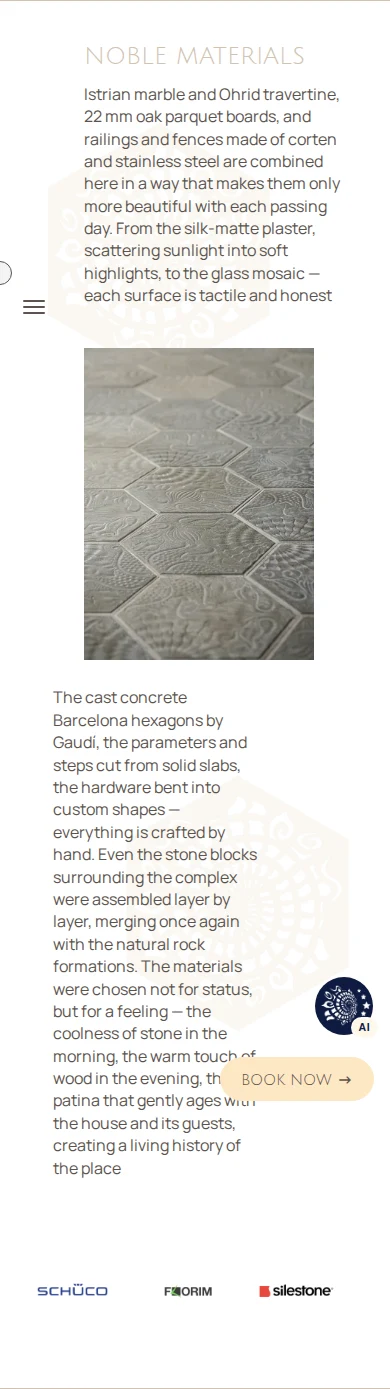
Materials tell the story of the place
Noble Materials presents architectural details, textures and selected finishes. The asymmetric layout pairs large photographs with short explanations; on mobile, the same elements form a clear vertical sequence.
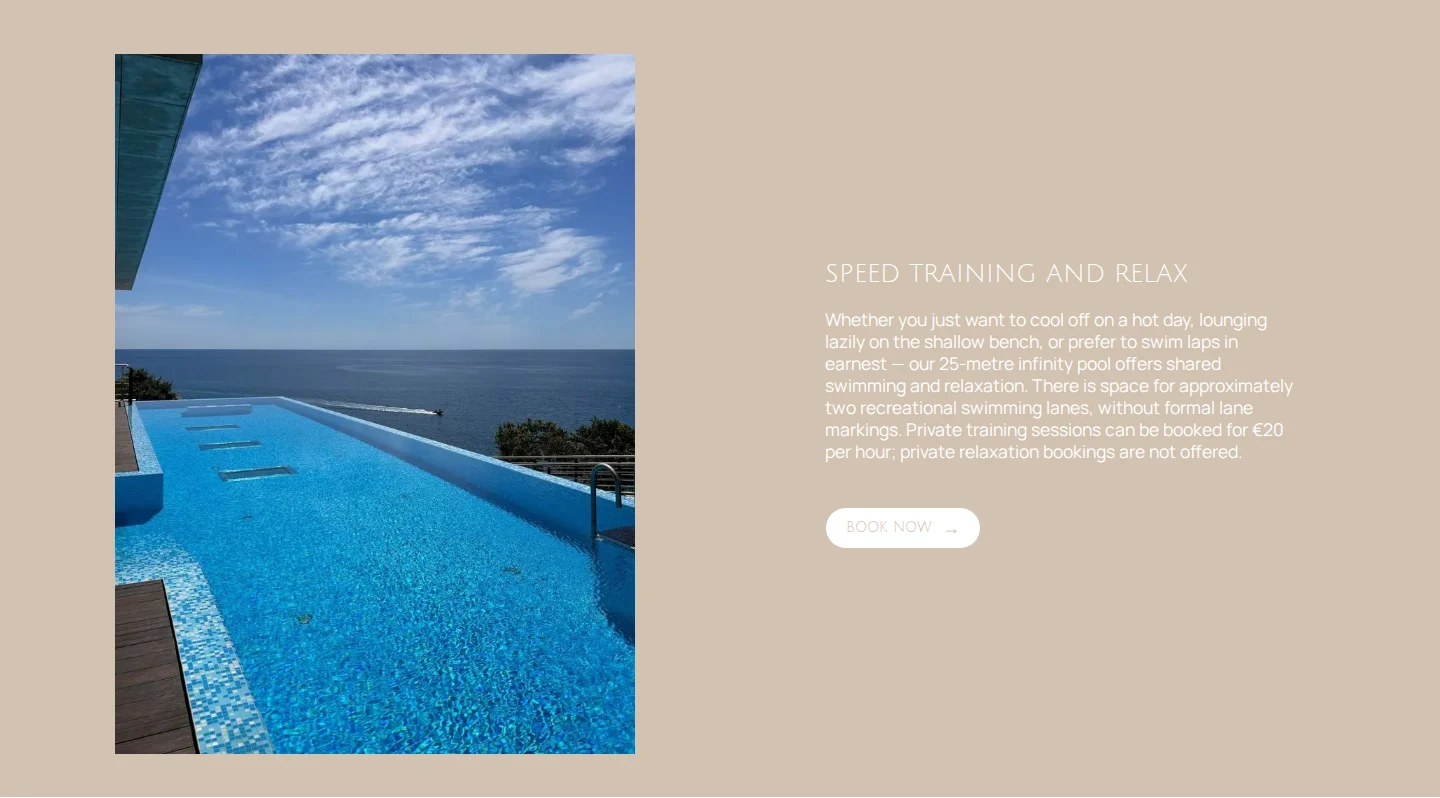
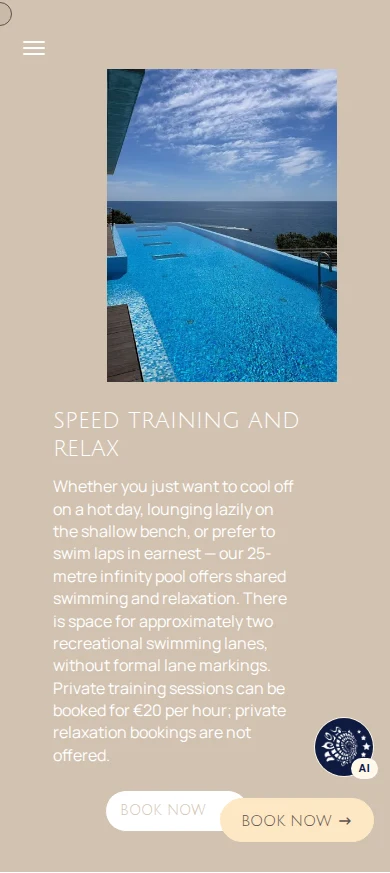
Life by the water
Photography, a short description and the booking action share a calm layout. The mobile version keeps both the setting and the next step visible.
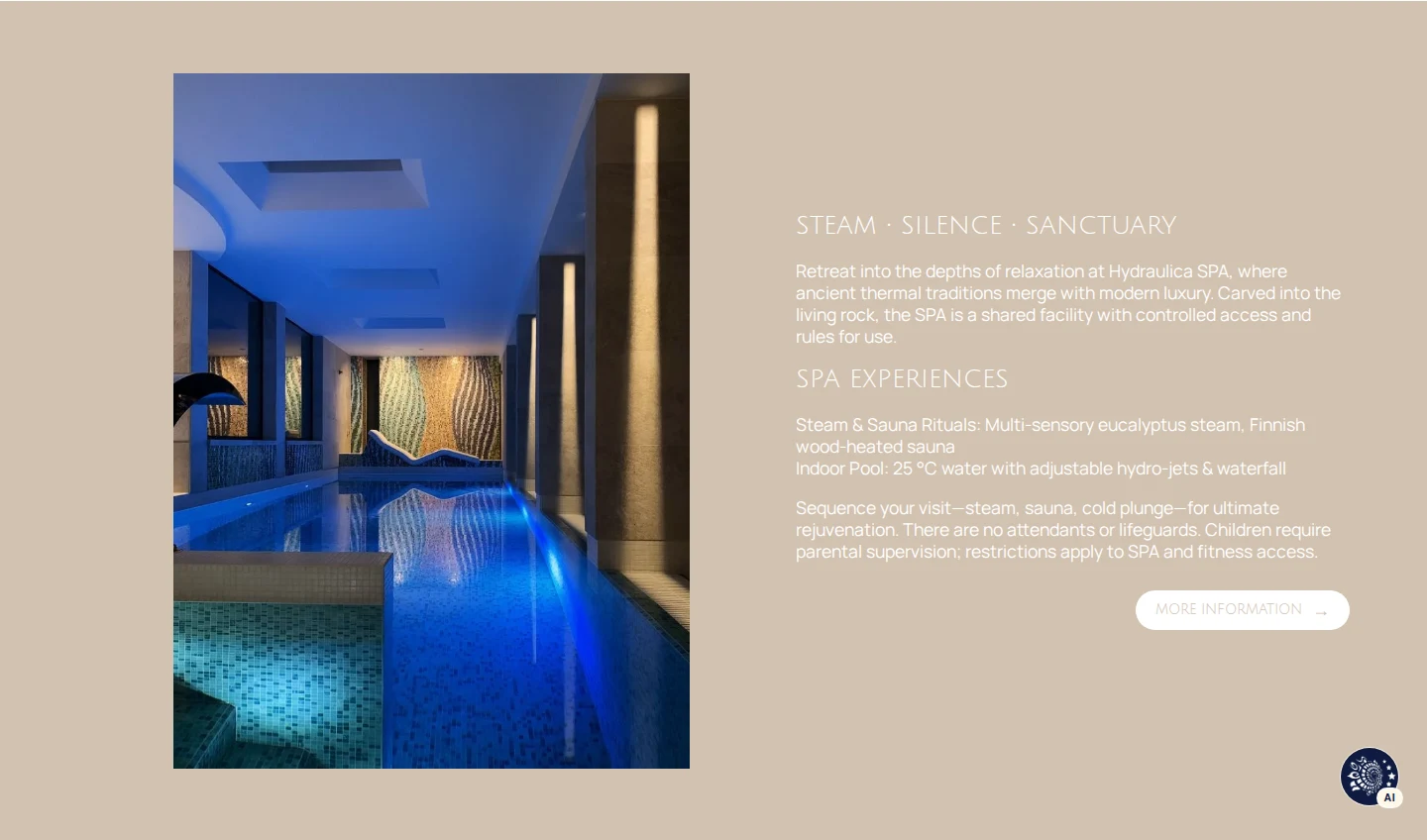
A sense of the spa
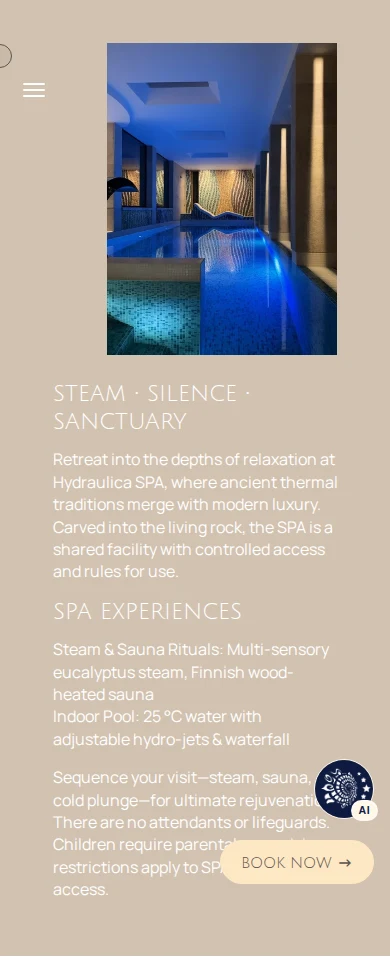
Large images alternate with practical details to introduce the SPA. The team updates the page’s content through Strapi.
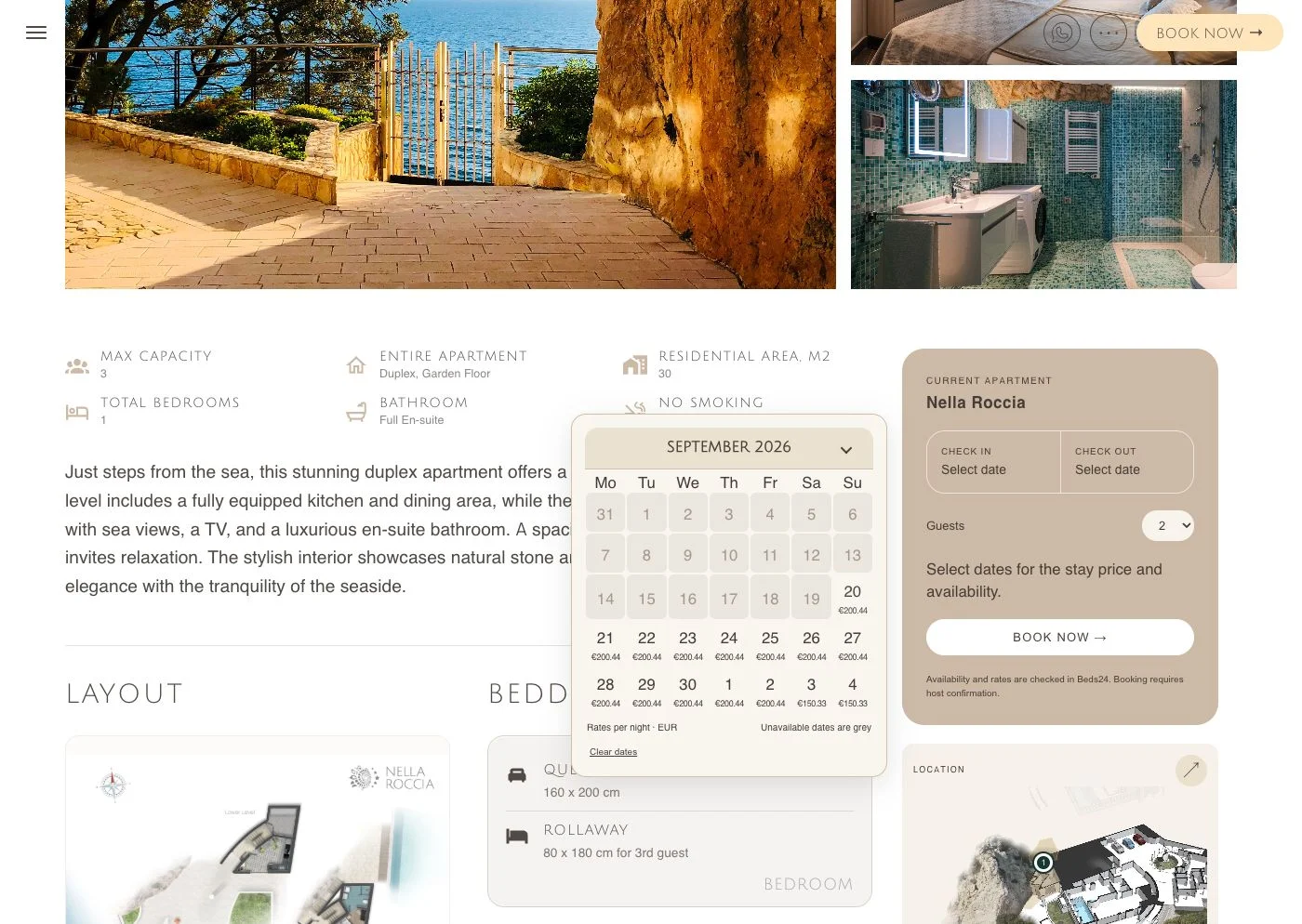
From travel dates to a reservation
Guests choose an apartment, dates and party size. The calendar displays availability and rates from Beds24; the booking card brings the stay details together before a reservation request.
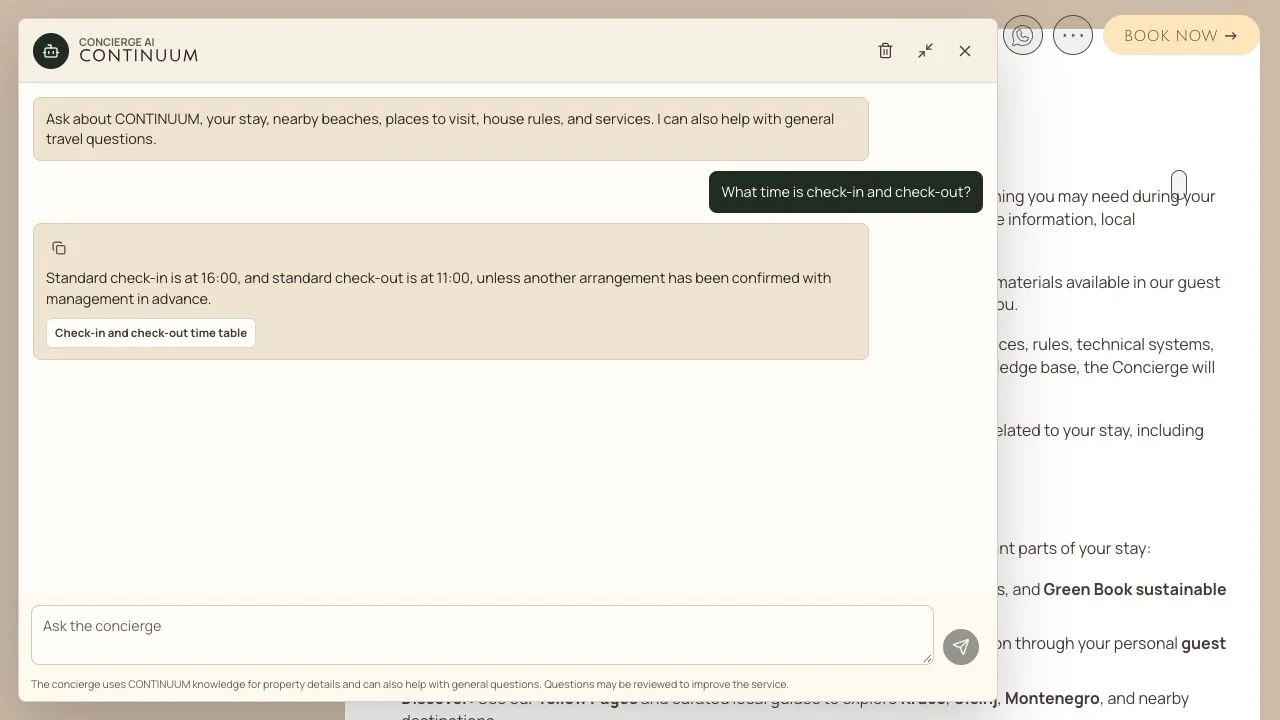
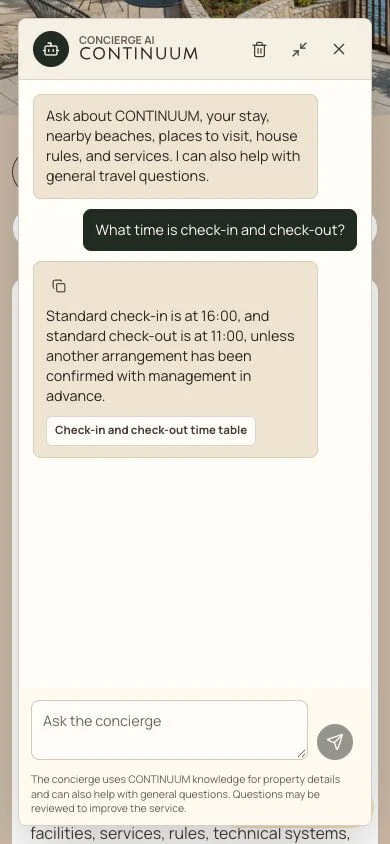
An AI concierge before and after login
Visitors ask about apartments, amenities and house rules. In the guest area, the assistant uses authorized apartment and stay information. Knowledge retrieval, source links and access checks connect its answers to the property’s actual content.
CONCIERGE AI
Help before the trip and during the stay
Helps visitors explore the residence before a trip and find useful information during their stay.
Public concierge
Before login
Answers from approved residence knowledge: house rules, services and amenities. Source links lead to the relevant Guidebook material.
- Approved knowledge
- Answers with source links
Guest concierge
After login
Adds authorized information about the guest’s apartment and stay to the shared knowledge. Saves chats in the account so the conversation can be revisited.
- Context authorized for this guest
- Saved chat history
Personal assistance is available in the guest account when the mode is enabled and an apartment or stay is linked to it. Other visitors use the property’s public information.
Question
A visitor asks about arrival, house rules, services or amenities.
Access and knowledge
The concierge uses approved material and context authorized for the guest.
Answer and next step
Shows the answer and its sources. Staff confirm bookings, prices and requests.
Helping the team manage guest enquiries
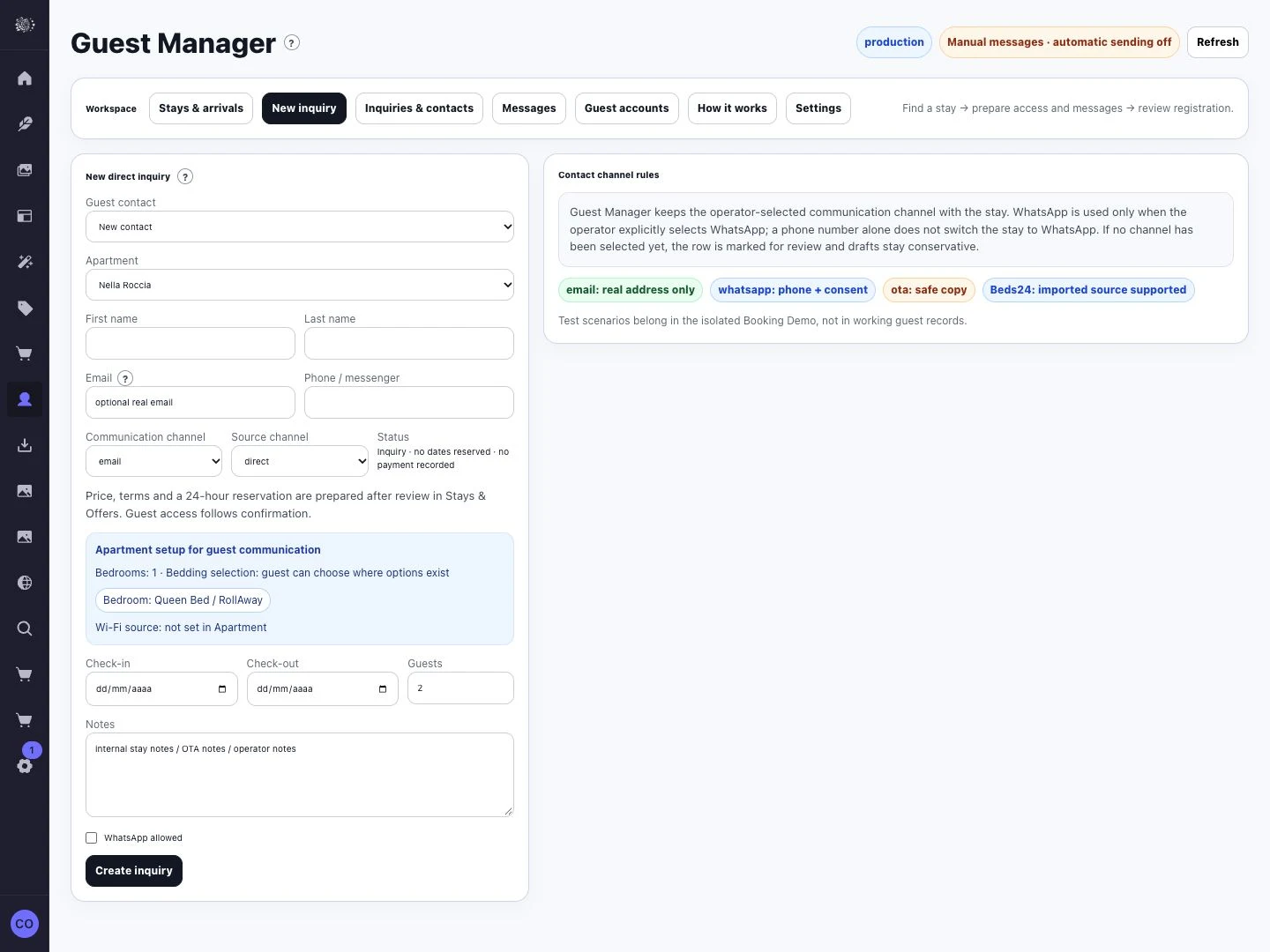
Guest enquiries and related stay information come together in Guest Manager. We developed dedicated forms and a Strapi workspace so staff can work with that information in one place.
Keeping amenities up to date
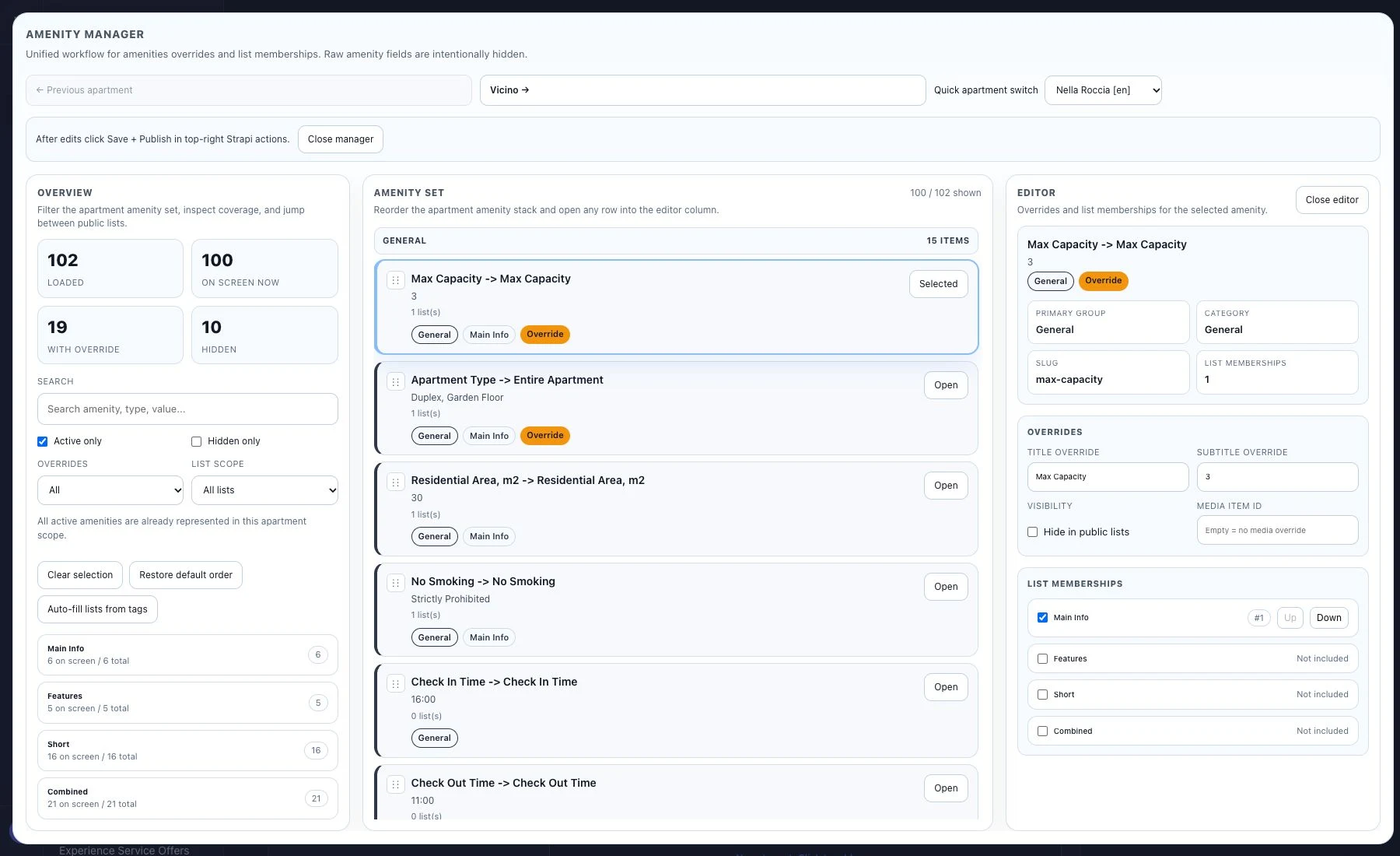
Editors manage amenities, descriptions and publication in a dedicated module. Each amenity has a complete editing view so the team can prepare it before publishing to the guest site.
A place for every photograph
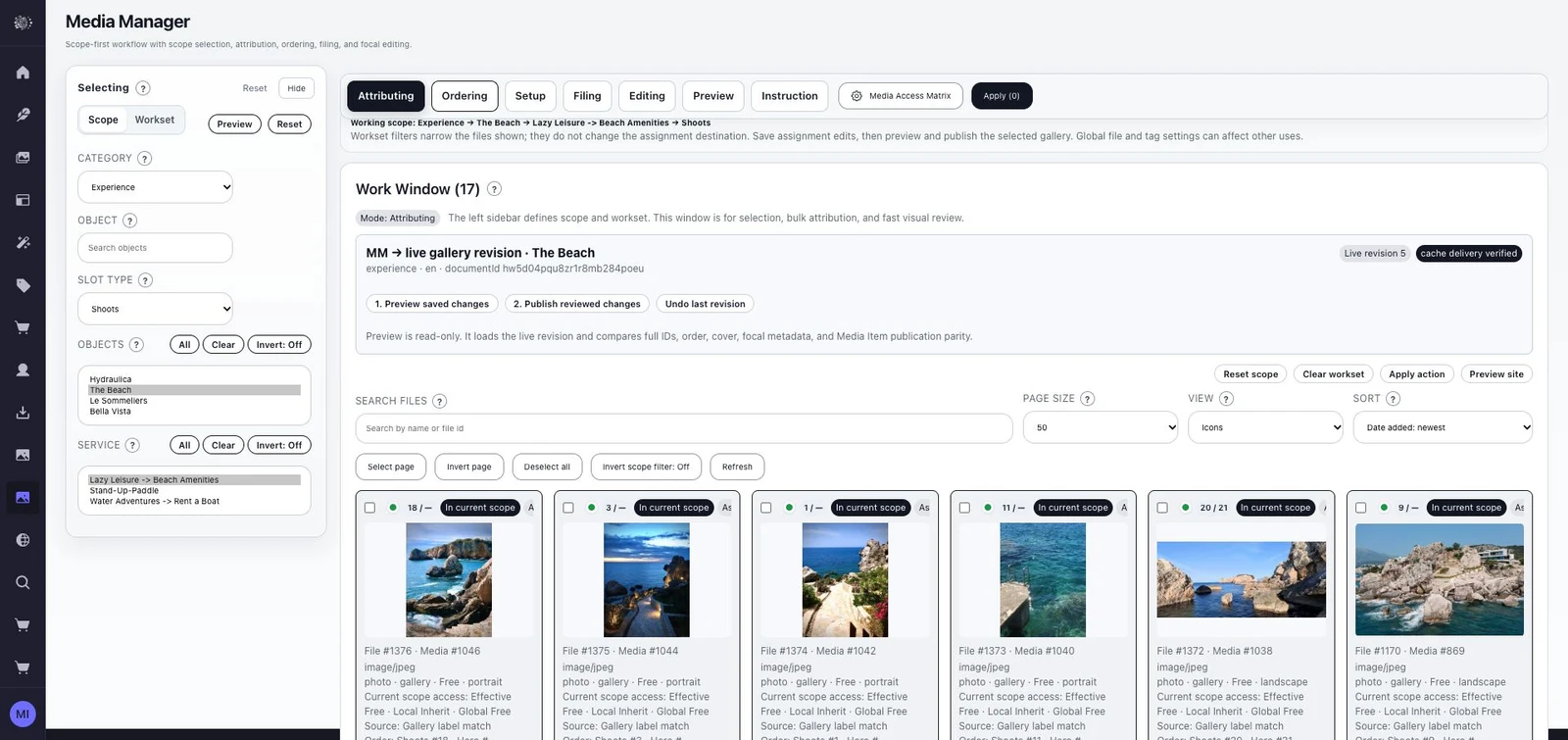
Uploading photographs is only the first step. Staff assign them to the right spaces and amenities and choose their order and presentation. A custom plugin adapts Strapi’s media library to the property’s editorial work.
Explore the residence before taking a walk
We connected the architectural plan to the virtual tour so guests can see how the residence, garden and pool fit together. They can explore the whole building, then look inside Vicino, M1 or M2. The selected apartment plan opens within the surrounding architecture, showing its place in the property.
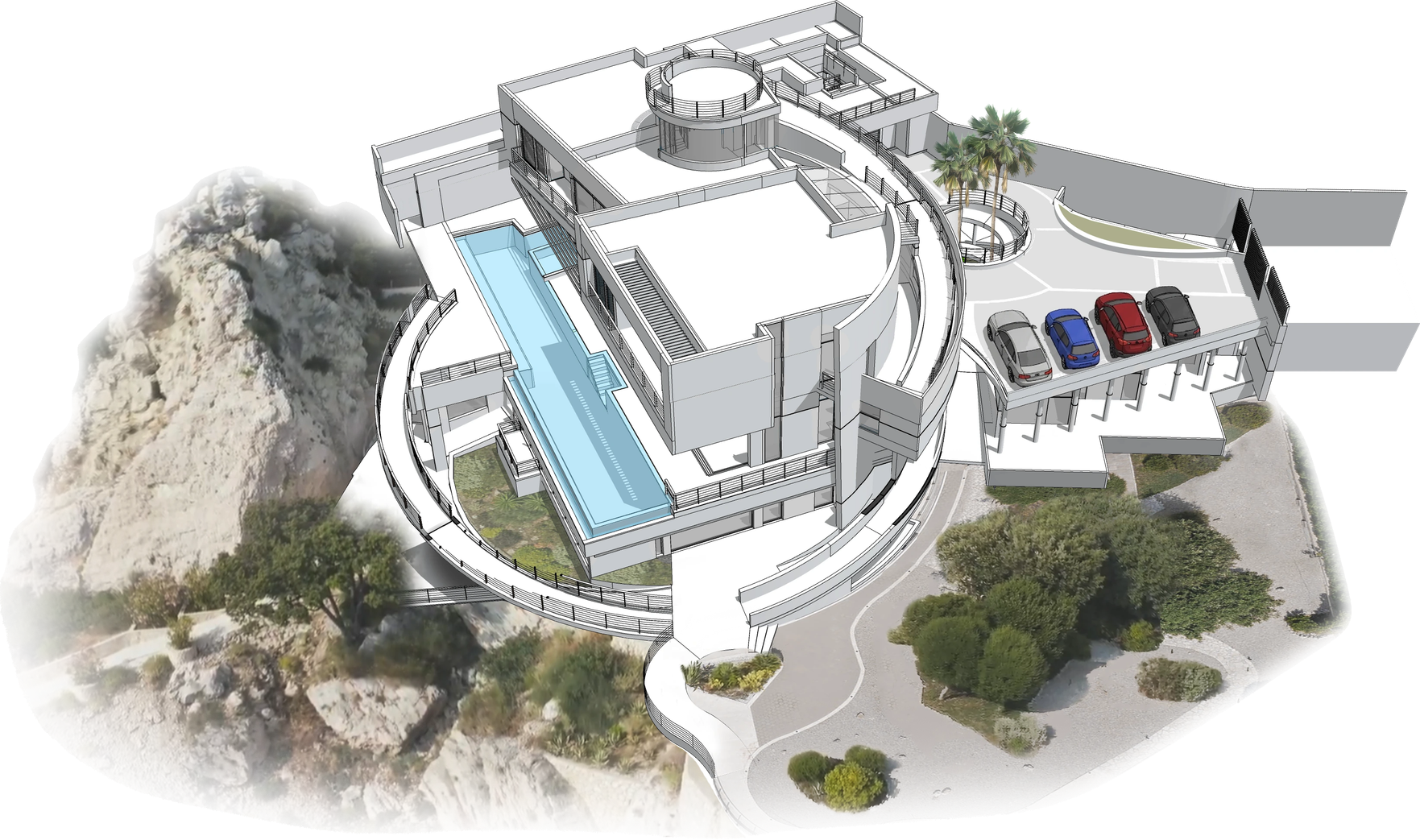
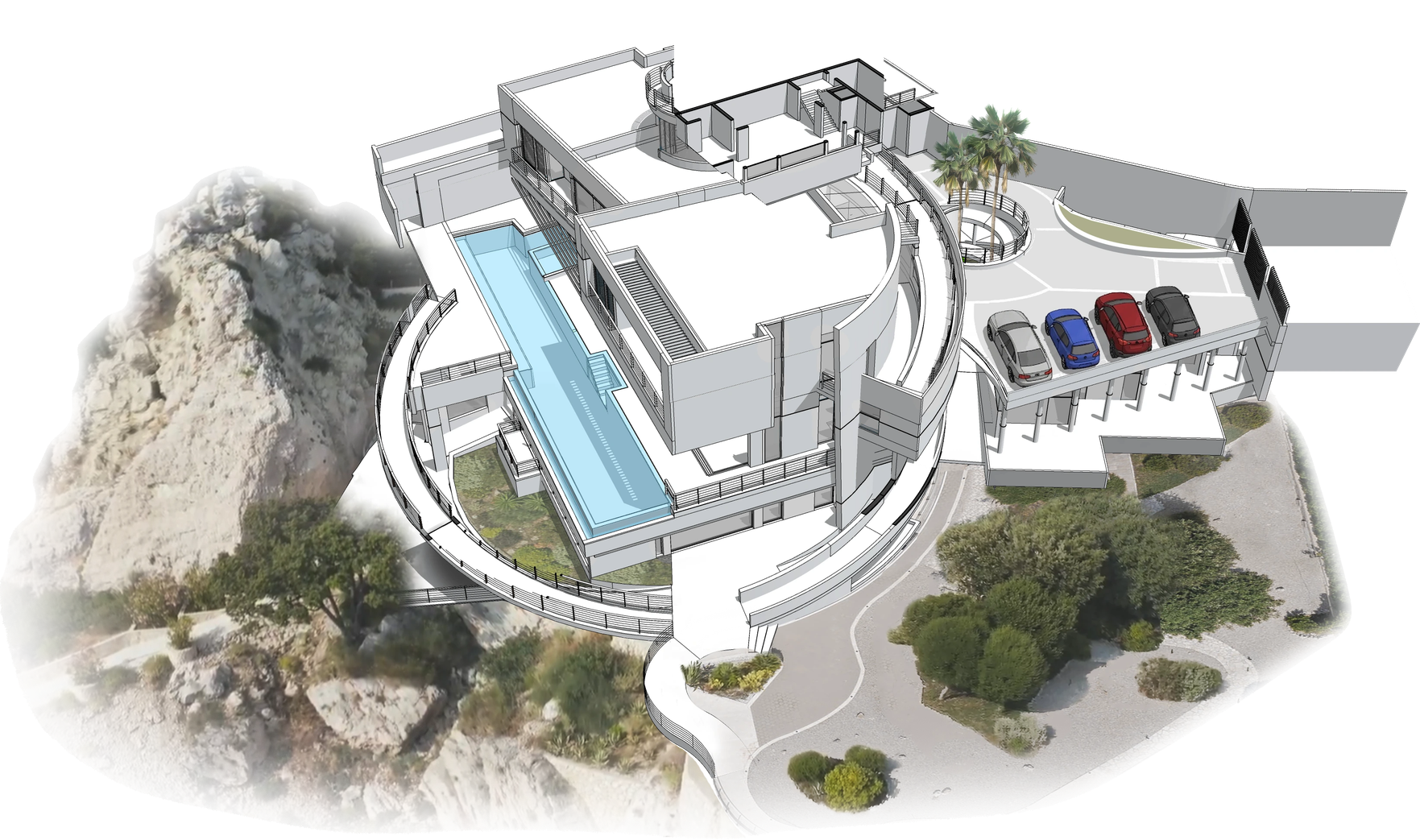
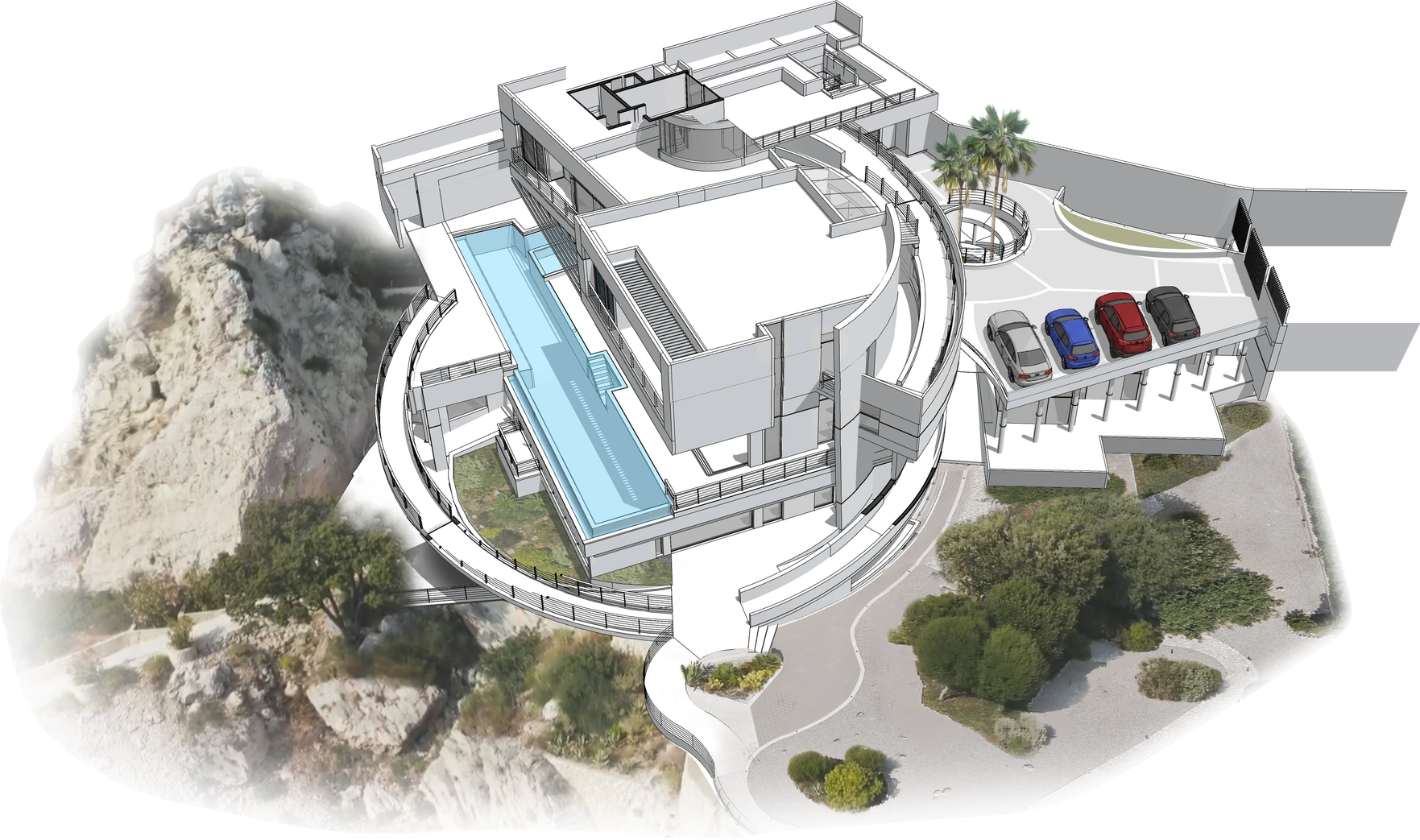
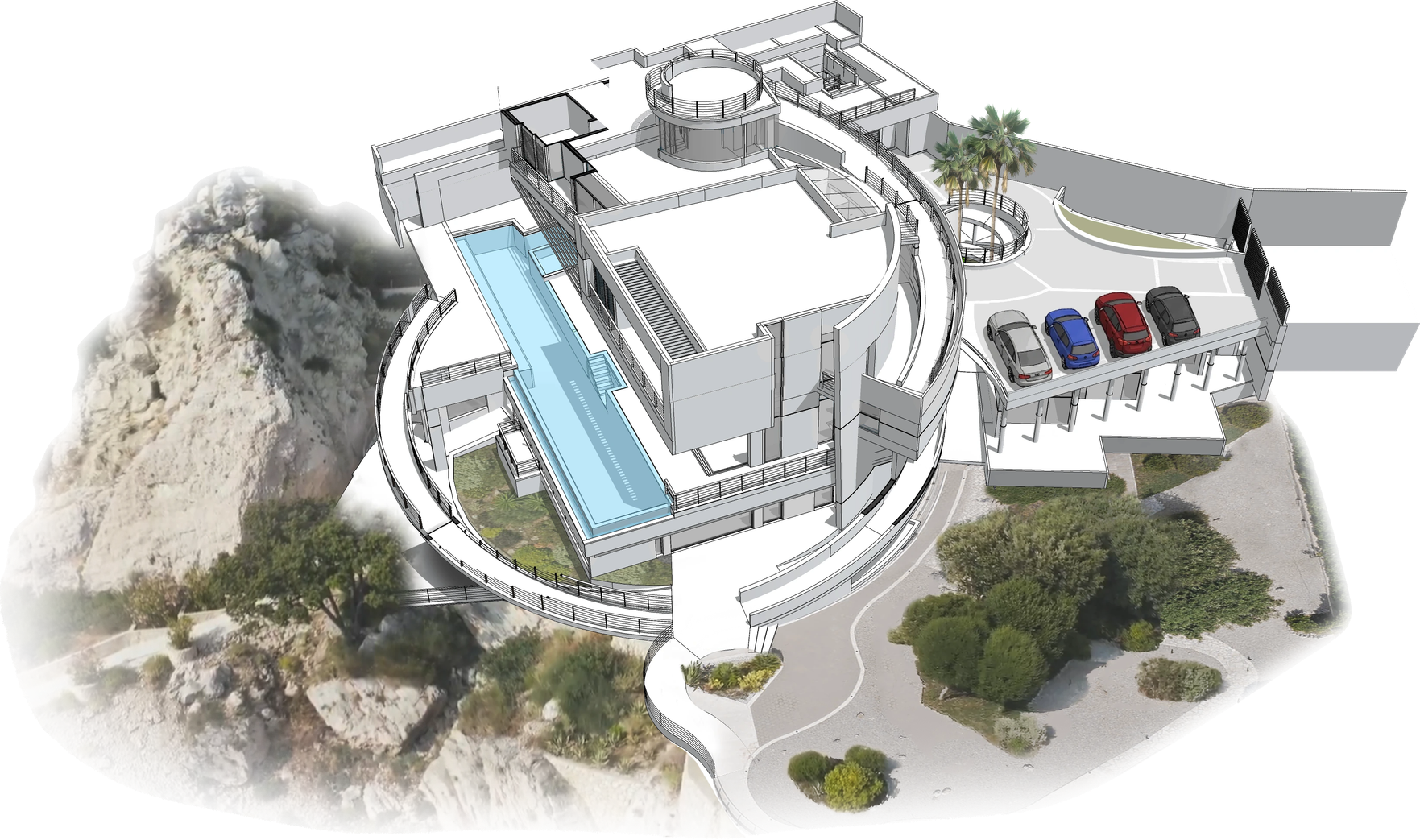
We turned the property’s architectural materials into an interactive plan for the virtual tour.
From the plan to a view by the pool
Choose Infinity Pool on the map and look around the real panorama. The mini-map keeps the selected place in view. In the full prototype, guests move between viewpoints and return to the plan; the phone interface keeps the same location cues.
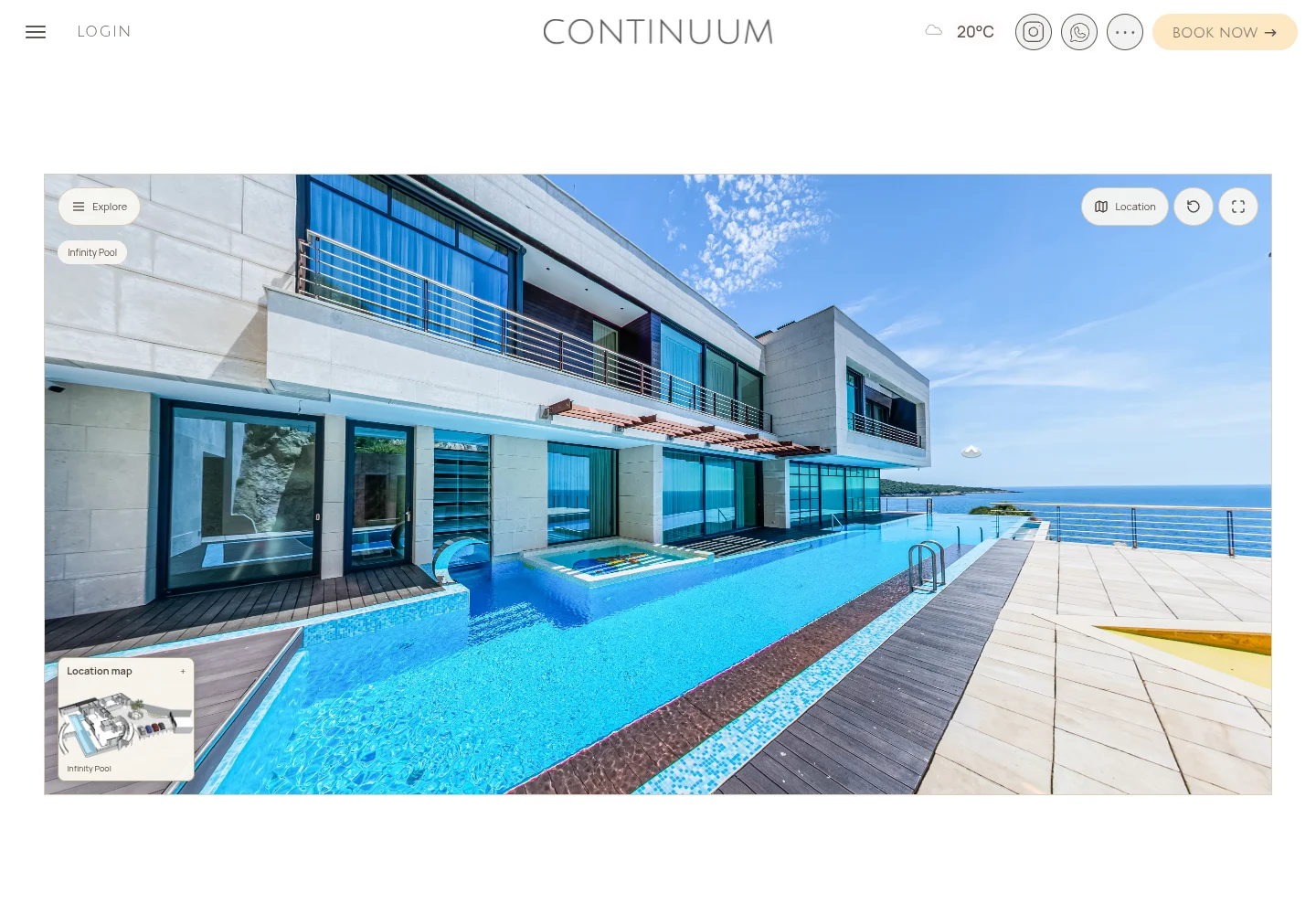
Drag sideways to look around. You can also use the arrows and zoom buttons.
This is one scene from the virtual tour prototype: Infinity Pool.
From choosing an apartment to preparing a stay
- 01
Discover the place and choose an apartment
- 02
Check dates and send an enquiry
- 03
Prepare the stay and services
- 04
Manage content and team operations
The team updates apartment information, photographs and services in Strapi. The guest website and stay-management tools use this content.
A designer from the team created the visual direction. Andrey built the Next.js site, Strapi backend, media, amenity and guest tools, weather integration and Beds24 booking path. He also developed the AI concierge: knowledge retrieval for public visitors and a separate guest experience with authorized apartment or stay context.
The outcome
Guests explore apartments and amenities on desktop and mobile and get concierge answers linked to the property’s source material. The guest area adds assistance based on authorized apartment or stay information. The team updates pages, photographs, services and the knowledge base through custom Strapi tools.
Behind the guest website
Custom Strapi tools support the property team’s work. Editors update an amenity or photograph once, and the website uses the published material where it belongs.
Accommodation and services
The team connects apartments with rooms, amenities, photographs and Guidebook articles. We built these relationships into Strapi modules so editors can work with the property’s content and the website can display it where it belongs.
Media Manager
Assignment, ordering, framing, draft review and selected publication. Galleries follow the property and room structure instead of becoming an unrelated file library.
Beds & Booking · Guest Manager
The Beds24 booking path connects dates to stay information. Guest Manager gives the team a dedicated workspace for enquiries and guest details. External channels and payments depend on the property’s integration configuration.
Knowledge base and retrieval
The concierge searches published pages, the Guidebook and apartment descriptions. The team maintains these materials in Strapi; retrieval finds relevant passages, and answers about the property are checked against those sources.
Guest access and context
The server determines which apartment or stay a guest may access. Protected information stays out of public retrieval. Guest mode requires enabled access and a linked apartment or stay; otherwise the public assistant remains available.
A useful guidebook
Contextual guest information, services and an API-backed weather widget bring useful details into the stay experience.
Exploring the property
Guests can choose a place on the plan, open its panorama, look around and return to the map. Apartment plans open individually within the rest of the building.